Why Are We Still Extracting Archives?
Reconsidering the archive as a user-interface object.
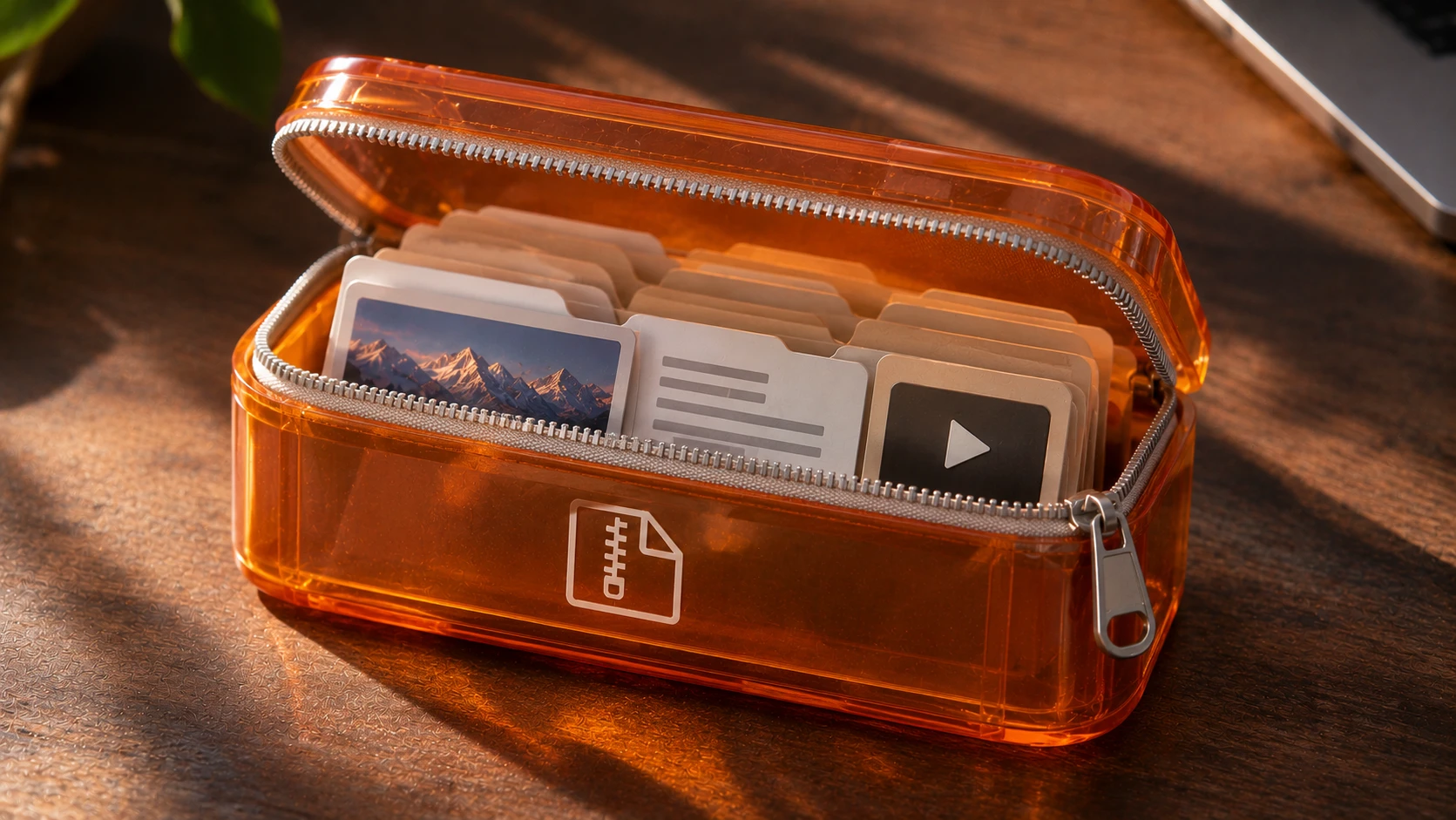
Opening an archive often produces a second folder. It consumes storage, and now there are two places to look for the same files. That makes sense if you need the folder. It is harder to justify when you wanted to see a filename or read one document.
Imagine receiving a project archive and looking for one image. You may need to find it by name, check that it is the right image, and send a copy. Those are three actions with different costs. Treating all of them as full extraction hides the distinction from both the interface and the user.
Browse, preview, extract
Browsing asks for the names and structure. Inspection adds metadata such as the size or timestamp reported by the archive. A preview needs enough content for a viewer, which can mean decoding part or all of the selected entry and letting the viewer interpret the result. Extraction creates a separate filesystem copy that can live on its own (Figure 1).
Fig. 01
What are you trying to do?
Open an action to see what it needs and what it leaves behind.
Browse
Read the available directory records and show names and metadata. An index may provide the listing without decoding any member payloads.
Preview one file
Resolve the entry, decode the content the viewer needs, and show it. The app can keep temporary data in memory or in a managed cache.
Extract
Write the selected entries to a chosen destination. Extract the whole tree when another tool needs its layout or you want an independent working copy.
A seekable ZIP with a readable central directory gives a reader a way to list entries and locate their data. ZIP entries can be compressed independently, so a supported entry usually has its own decoding starting point. A sequential container or compressed stream may require a scan to discover the listing. An index answers where an entry is. The compression layout determines where decoding can start. [1]
The cost of one preview
In a solid archive, one compression stream can span multiple files within a block. To reach an image late in the block, a decoder may have to reconstruct the earlier bytes to rebuild its state. It can discard that output as it goes. The preview still avoids writing out a folder, even if the engine does substantial work to reach the image. A second solid block can give the decoder a later starting point (Figure 2). [2]
Fig. 02 / Interactive
One image, different amounts of work.
Model a 640 MiB archive, measured after decoding. Each target image is 8 MiB.
Previewing the 8 MiB summit image from independent entries decodes 8 MiB. With 280 MiB ahead of it in its solid block, it decodes 288 MiB. The model writes no lasting file for either preview.
That distinction matters when evaluating an interface. “No extracted folder” tells you what appeared on disk. It tells you little about time to preview, decoder work, or peak temporary storage. A preview can be the right interaction with a noticeable wait. The useful question is whether the app can keep browsing responsive and let the user cancel the work they no longer need.
What happens when a virtual file leaves the app?
An archive browser can feed selected bytes to its own viewer. Another app may need an ordinary file path or a seekable file. A temporary copy can bridge the two, but the archive browser then needs to manage who can read it, how long it can live, and when cleanup is safe. Protect the copy with suitable permissions and keep it available for as long as the receiving app needs it (Figure 3).
Fig. 03
Which copy should survive?
View again
Reuse a cached preview while the source archive and entry still match. If the archive is replaced, invalidate the old result before serving another preview.
Open elsewhere
Provide a temporary copy if the other app needs a path. Keep it through the handoff, then clean it up according to the app’s retention rules.
Keep edits
Save an independent copy to a chosen destination. Where the format and workflow support replacing the entry, make that a separate operation with conflict handling.
Editing exposes an ambiguity that browsing can hide. Saving a document normally updates the thing the user opened. In an archive workflow, the app must make clear whether that means a working copy or a new version of an archive entry. Updating the archive can require writing new directory records or recompressing a block. If the source changed while an edit was open, the app has to resolve that before replacing the entry.
How to investigate it
Package the same fixture tree with independently decodable entries and with solid compression. Use the same target files at known positions and record which block contains each one. Run browsing, preview, selected export, and full extraction as separate tasks.
- Define what the user sees. Measure time to the first visible entry and time to a usable preview. Start each timer at the corresponding user action.
- Count what the engine does. Log bytes produced by the archive decoder, including discarded prefix output, and peak temporary disk use. Record durable output separately and verify exported files against the fixture.
- Control cache conditions. Record the state of the app’s index and preview caches and describe the filesystem cache conditions. Repeat the same requests from documented cold and warm states.
- Exercise cancellation. Cancel during a preview that has to decode a long prefix. Record time until the decoder stops, remaining temporary data, and whether a new request can proceed.
This is a proposed experiment. A reproducible report would include the input manifest, software versions, archive settings, raw observations, and verification criteria.
What this means
Extraction is useful when the job calls for files that can stand apart from the archive. Browsing, previewing, and exporting a single entry make sense for narrower jobs, even when the engine must do more work than the interface shows.
Let the user choose what should come out of the archive.
References and further reading
- PKWARE. ZIP File Format Specification (APPNOTE), sections 4.1 and 4.3.
- 7-Zip. 7z archive structure and solid blocks, under “Parsing raw stream for recovered solid archive.”
- Files Unwrapped, the home of Peel.