Will We Be Able to Open Today’s Files in 100 Years?
Digital preservation is a dependency problem.
A printed page needs light and a reader. An archive needs a surviving representation, a specification or decoder, and often an operating environment capable of executing it. Saving bytes is only the first part of saving meaning.
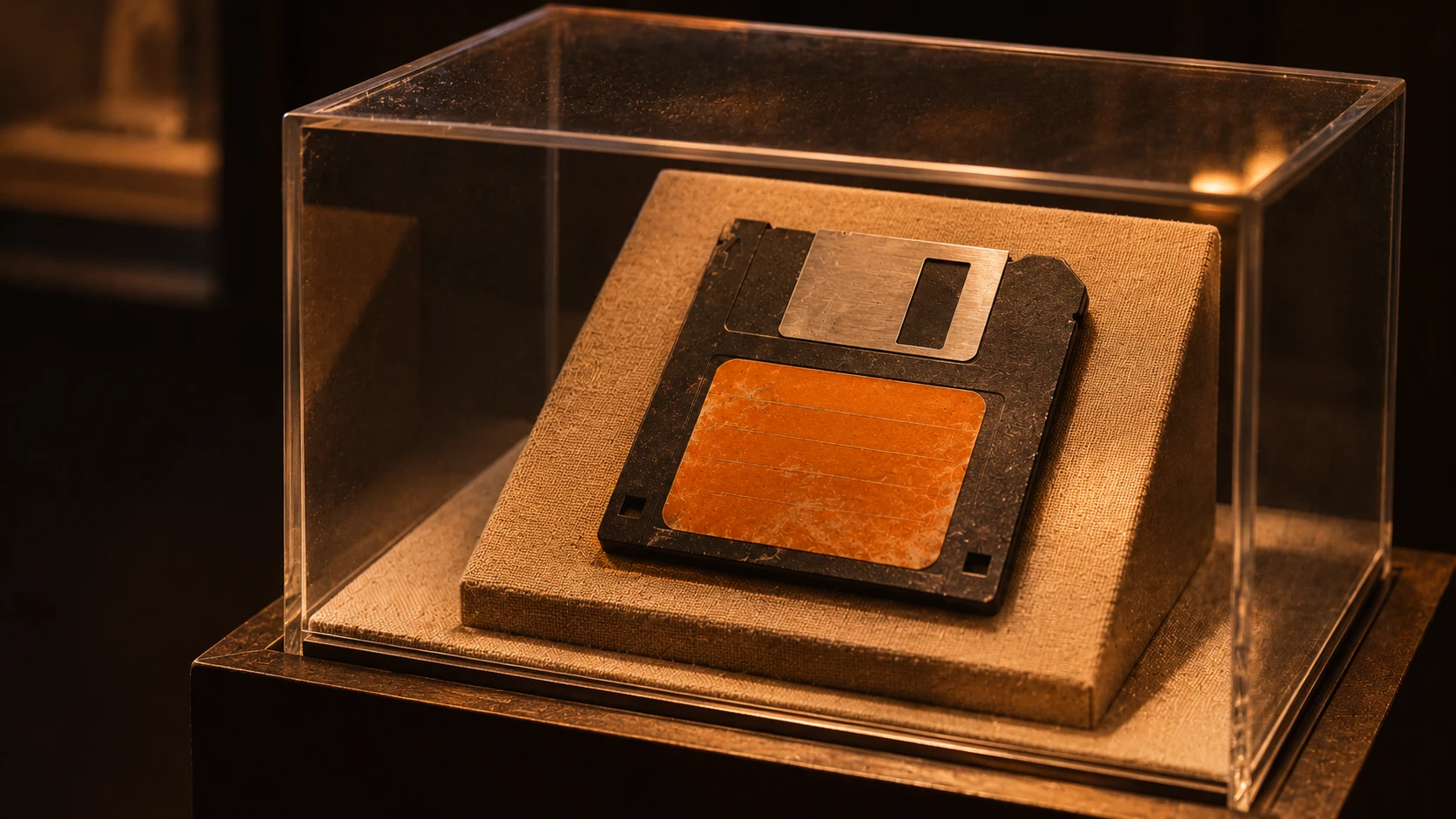
Imagine finding the floppy disk above in 2126. You would need a drive that can read it, a way to get those bytes onto a working machine, and enough knowledge of the file format to turn them into something usable. Each of those is a separate thing that can disappear.
The dependency chain
Long-term access depends on readable storage, documented formats, available implementations, and a plan for replacing tools or formats as they become obsolete. Stable identifiers help tie the file to its inventory and preservation history. Encryption adds a separate dependency. Someone with legitimate access must still be able to recover the key and use a compatible decryption tool. [1] [2]
Consider a proprietary container with an undocumented codec and a lost password. The disk might yield every byte, yet the collection would remain inaccessible. A documented format with test vectors and multiple independent decoders offers more ways back in. If the original reader disappears, a specification and known-good examples give a future developer something to build and verify a replacement against (Figure 1).
Fig. 01 / Interactive
What does it take to open the archive?
Readable bytes, a decryption key, a format reader and a compatible runtime are all required in this example.
What fixity checks
Fixity is evidence that a file’s bytes have stayed the same. Record a checksum for a known copy, then compute it again after a transfer or on a review schedule. A mismatch means the current bytes differ from the baseline. A separate verified copy gives you something to recover from. [3]
You can verify every byte of an archive and still have no software capable of opening it. Conversely, a successful conversion usually changes the bytes on purpose. Keep the original checksum, give the converted file a checksum of its own, and validate that the content you meant to preserve survived the conversion (Figure 2). [3]
Fig. 02 / Interactive
Change one bit.
Compare two copies of a four-byte sample using SHA-256.
- Baseline ·
50 49 54 48 d8d2f2d1a558efa2b1a5a4631d8d272fc378293082f537e25a9a6291d398525e- Current ·
50 49 54 48 d8d2f2d1a558efa2b1a5a4631d8d272fc378293082f537e25a9a6291d398525e
Match. Both copies have the same bytes.
Flipping the last bit changes 48 to 49 in hexadecimal and produces a different SHA-256 digest.
Migration or emulation?
Format migration produces a new representation. It makes sense when a well-supported target can carry what users need. A document might need searchable text, page layout, and annotations. A spreadsheet might also need formulas, named ranges, and calculation behavior. A conversion that preserves the visible grid can still lose the workbook. [4]
Emulation recreates enough of the old computing environment to run its software. For an interactive work whose behavior depends on that software, a static export might serve as a convenient preview while emulation preserves a way to experience the original. The emulator, operating system, application, configuration, and any required licenses or peripherals are part of that plan (Figure 3). [4]
Fig. 03 / Interactive
What has to survive?
Migrate when the target can carry the required properties. Emulate when users need software-dependent behavior. Use both when users need quick access and the original behavior.
How to investigate it
Start with several benign archival formats and a small set of samples with known contents. Include at least one file with metadata that matters to the collection. Give each sample a stable identifier and keep the inventory alongside the data (Figure 4).
- Record the format specification and version, the input hash, and the decoder versions, licenses, and configuration.
- Open each sample with two independently implemented readers where available. Record which files open, which properties survive, and where the readers disagree.
- Migrate one sample to a plausible target. Compare the output with the original for the properties you picked in advance. Save the conversion settings, output hash, and any losses you observe.
- From a separate copy, repeat the access procedure using the inventory and instructions. Record what else you had to find before you could open the file.
This is a proposed experiment. A reproducible report would include the input manifest, software versions, configuration, raw observations, and verification criteria. The figures on this page illustrate the concepts.
Fig. 04 / Interactive
Plan for someone else to open it.
What this means
Some of today’s files will be readable in a century because the bytes, specifications, tools, and people responsible for them will have passed through a series of successful handoffs. For any given collection, the question you can answer today is more practical. Could someone recover a copy, find what they need to interpret it, and tell whether they got it right?
Preservation means maintaining the ability to interpret information over time.
References and further reading
- Library of Congress. Sustainability of Digital Formats.
- Digital Preservation Coalition. Digital Preservation Handbook.
- Digital Preservation Coalition. Fixity and checksums.
- Digital Preservation Coalition. Preservation action.